Presents our newest product, the...



1-Click Shortcuts for Any App
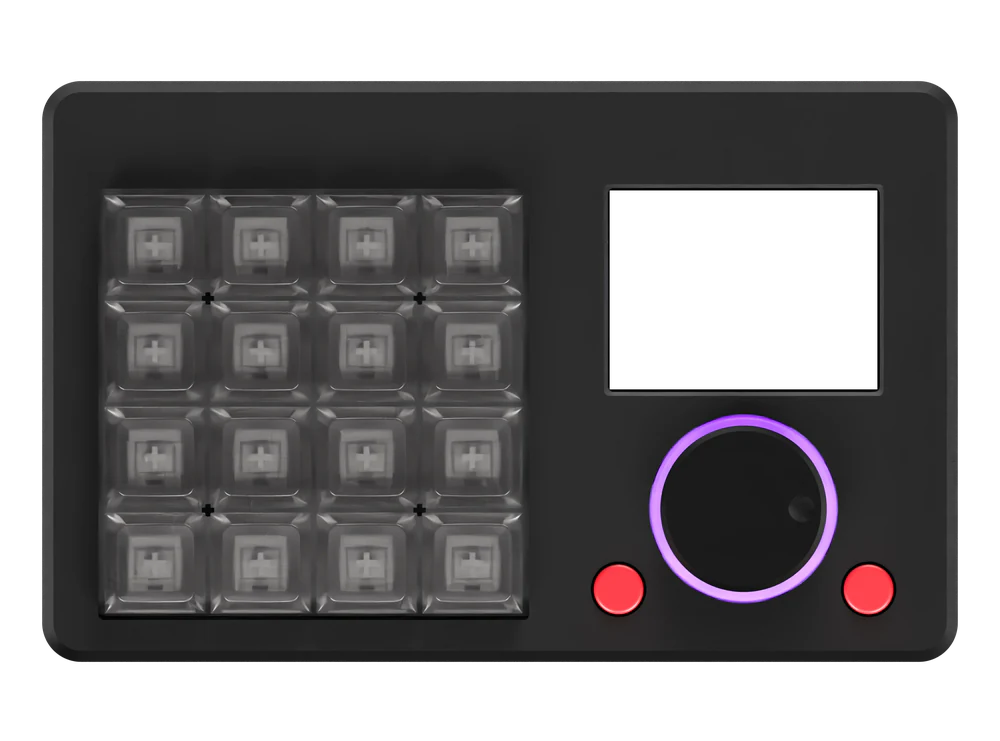
The BuildBox Macropad lets you dedicate every key, button and scrollwheel twist to multi-step actions, shortcuts or automations for any application you use.
Final beta tests for the BuildBox Macropad are happening now and then we'll launch a limited run of 200 units in December.
Launch BuildBox units come with exclusive FREE accessories like our wrist rest and custom travel case plus a BIG discount on RRP!
Enter your email to get your hands on a launch batch BuildBox:
You're on the list!
We'll be in touch when it's time. Keep building.
How Will You Configure Your BuildBox?
Stop finger-twisting to use keyboard shortcuts with your apps.
Try it out! Pick an app, then hover or clicktap a key to see what it does:
Choose Your Application
1 Key Multi‑Step Shortcuts For Any App
The BuildBox lets you run pre-built multi-step automations for 100s of apps every time you press one of the keys, or design your own custom shortcuts in our easy shortcut builder

Unlock Precision Control & Lightning Fast Shortcuts for All Your Key Apps
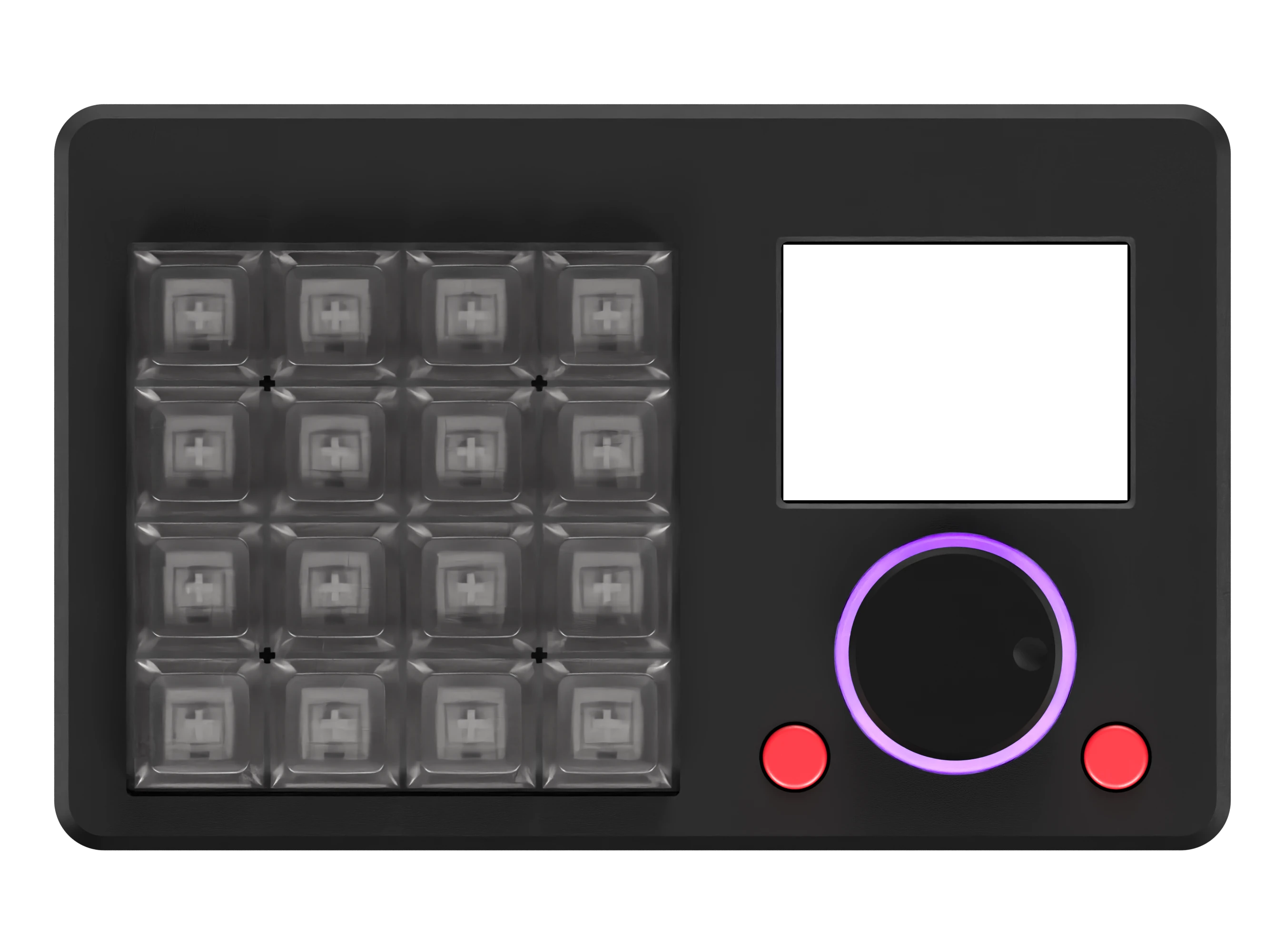
The BuildBox Macropad is launching early December at a discount launch-only price for the first 200 customers. Want to get your dream shortcut macropad, with an OLED shortcut display, zero-friction scrollwheel, 16 keys/unlimited layers, Windows/Mac/Linux compatibility and a huge library of prebuilt shortcuts & automations or unlimited ability to add your own?
Pixel-Perfect Scrolling Using Magnets
The BuildBox scroll wheel uses a magnetic sensor that reads 4096 positions per rotation, so every twist, nudge and slow adjustment is tracked finer than a single pixel. The scroll wheel is fully configurable. Need to effortlessly glide through large documents? Want to accurately scrub backwards and forwards while editing videos, animations, 3D design or music files? Or you can control your favorite media player or website; the BuildBox frictionless scroll wheel brings high-res scrolling to all of your favorite apps


Huge Screen Means No More Memorizing
When in a flow state, the last thing you want is to interrupt your deep work or creative session by pausing and remembering where the specific key you need is located. That's why we developed the BuildBox around a full color 2.4" screen that clearly shows you every function available at a single glance. The screen is 100% customizable with several themes and color schemes available and pre-loaded on the BuildBox Macropad.
Settings Stored On-Device And Compatible With Any OS
Our team all use different operating systems so we made sure that the BuildBox works perfectly on Windows, MacOS and Linux computers. And because we often switch between different computers and wanted to make sure that we could take our BuildBox Macropad with us, we made sure that all settings and shortcuts are stored on the BuildBox itself, so you can plug-in and go on new computers without reconfiguring anything or installing new background companion software each time.