
Build.Log 3: Introducing the Keyboard Shortcuts Database
I’ve been dropping the ball a tiny bit on posting new videos on the InputZen YouTube channel and posting here on the Build.Log about progress with the BuildBox macropad, but I think my excuse is a decent one: I’ve been building a massive database of thousands of keyboard shortcuts for over 240 applications on 3 different platforms (MacOS, Windows & Linux).
You can see the result right here: Visit the InputZen Keyboard Shortcut Database.
Why put the Keyboard Shortcut Database together?
I try to maintain a keyboard-centered workflow when using computers day-to-day. It comes from my time using Linux computers as my main computers; I started off using Ubuntu and their desktop environment at the time called Unity (RIP), but I was experimenting with different distros at the time and came across Fedora as well as some blog posts or Reddit threads (cant remember which) about using Fedora with i3 Window Manager. I went all-in on i3wm for about a year, running it on my aging but very capable (and cheap to buy second hand) Thinkpad X220 laptop.
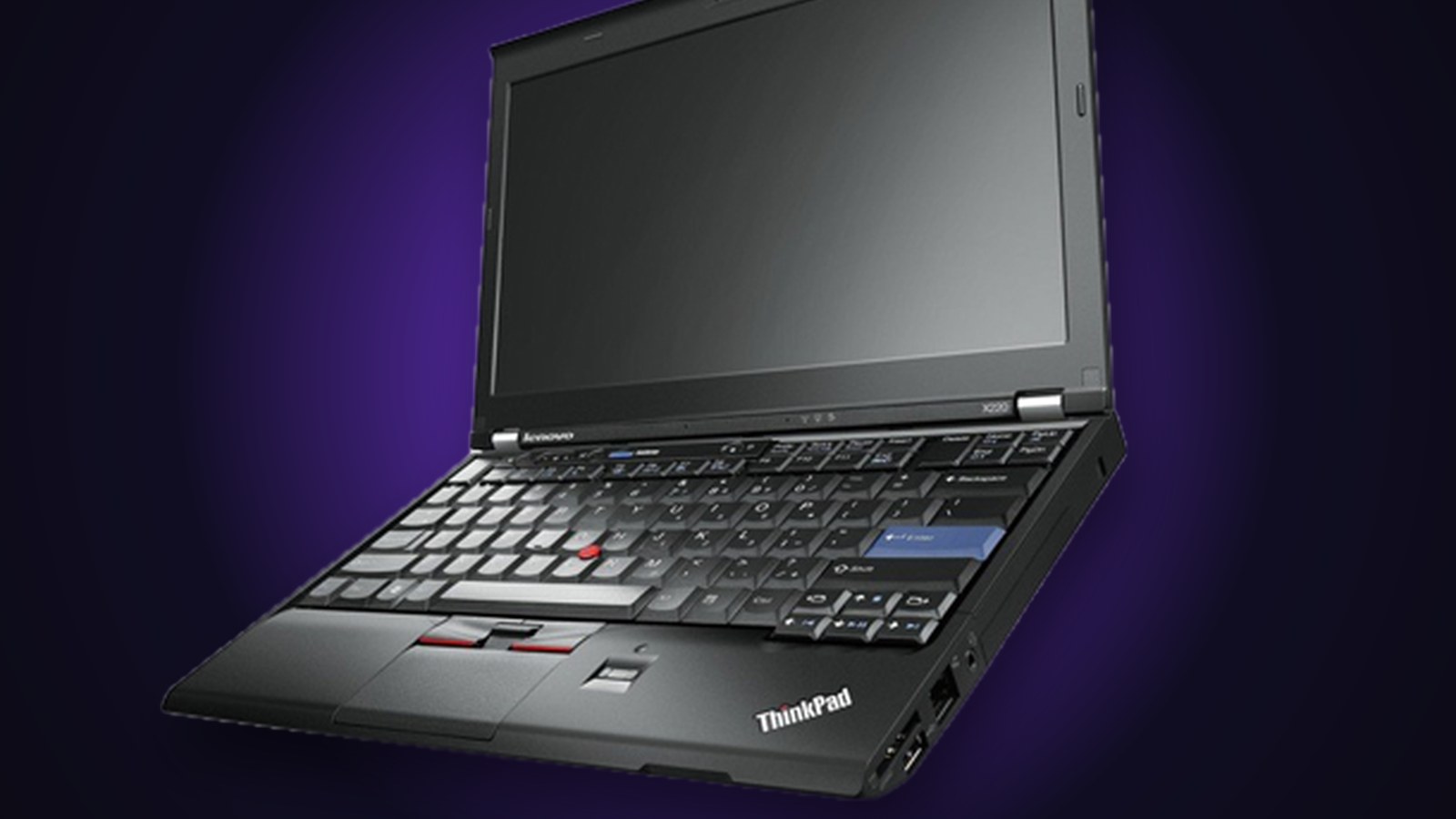
i3wm was a perfect match for that laptop, which was showing it’s age in terms of processing power even back in 2016-17 or so when I was using it. i3 is a tiling window manager that is highly configurable, super lightweight as you kind of build up your configuration from scratch (I used a lot of templates and dotfiles that others shared as my base) and the whole thing operated very well with just a keyboard, requiring minimal mouse movements.
While I eventually moved on from i3wm (moved to Gnome, then KDE on Fedora, before moving to Mac once the call of Apple silicon was just too strong and I needed specific macOS-only applications for my work) the keyboard usage for moving between workspaces/virtual desktops and between & within apps, stuck with me until this day.
Today I use trackball mice almost exclusively (not counting the built-in trackpads on laptops I use) but I still look for and use keyboard shortcuts in every app possible, simply because it makes using almost every app super fast!
And when I’m utilizing macropads (I’m even building a macropad of my own called the BuildBox, check it out here) I’m looking up keyboard shortcuts for different apps I use regularly all the time, mostly so I can assign different shortcuts to a single keypress on a macropad.
I got tired of looking up fragmented lists of keyboard shortcuts hiding in application support pages and rarely-updated PDF documents, however, so it just made perfect sense to collect all the shortcuts I could find into one massive database of keyboard shortcuts, and so the Keyboard Shortcut Database (KBSDB) was born!
At some point we will be letting users of the BuildBox Macropad and other upcoming InputZen products easily drag and drop any of these keyboard shortcuts into keys on their macropads! Sign up below to be the first to know when we launch the BuildBox macropad and get yourself a HUGE discount if you are one of the first few to buy:
The BuildBox Macropad Unlocks Thousands of Keyboard Shortcuts For Any App


That's why the BuildBox Macropad is the Ultimate Shortcut Machine. One device with infinite shortcuts available at your fingertips, plus a HUGE display showing what each key does, and a magnet-powered zero-friction scroll wheel that moves through documents, video, audio and graphic editing apps like butter!
Enter your Email to get your hands on a launch batch BuildBox (limited: 200 available):
You're on the list!
We'll be in touch when it's time. Keep building.

Lewis is the founder of InputZen. A lifelong tinkerer and builder, Lewis started out designing and building websites for family friends in the early 2000s. Decades and many projects, businesses, failures and some wins later, he decided that the world needs keyboards specifically designed for BUILDING things. So he built InputZen...